Build an online community platform
You can build an online community without writing code: describe your members, what they talk about and how they join, and Fabricate builds a working web app with member sign-in, profiles, discussion threads by topic, an events list and the moderation tools you ask for, backed by its own database.
The community lives at its own link instead of inside someone else's platform, and it opens in any phone's browser. Try it with a few test members first, then ask for changes in the same chat.
- Free plan: 60 credits a month
- No card needed
- Live link included
From one message to a community platform
Then try it yourself and ask for changes in the same chat until it fits.
You write: An online community for gardeners in my region. Anyone can sign up with an email and a password. Members post questions and tips in topics such as vegetables, flowers and pests, and reply in threads. The home page shows the newest and most active threads, with a search. Each member has a profile with a photo and what they grow. Moderators can pin and hide threads. Make it easy to use on a phone.
 Fabricate
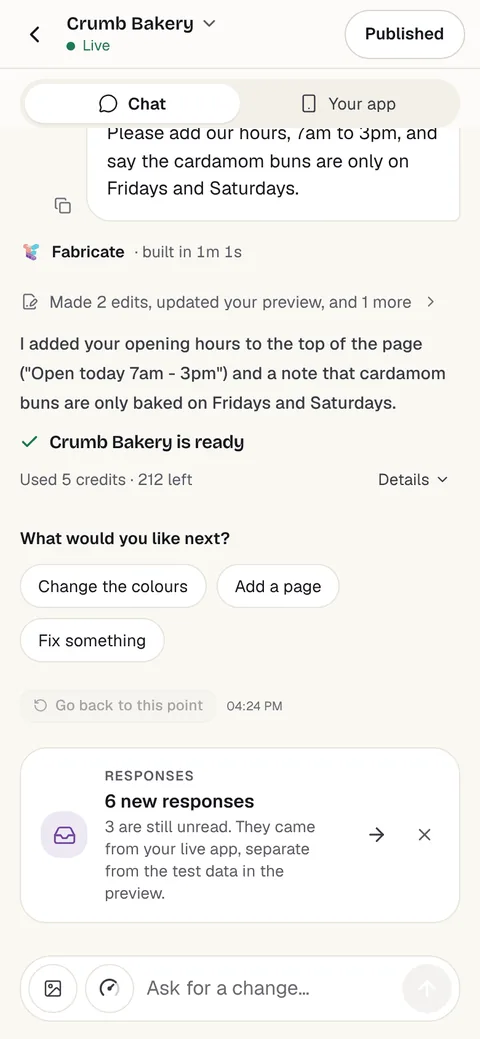
I built your gardening community: sign-up, topics with threads and replies, a home page with the newest and most active threads, member profiles, a search, and a moderator role that can pin and hide threads. Try it with a couple of test members in the preview.
Then ask for changes, such as
- Add an events list
- Add photos to threads
- Make it invite-only
A whole new app usually takes about 20 to 35 credits.
Fabricate CloudFabricate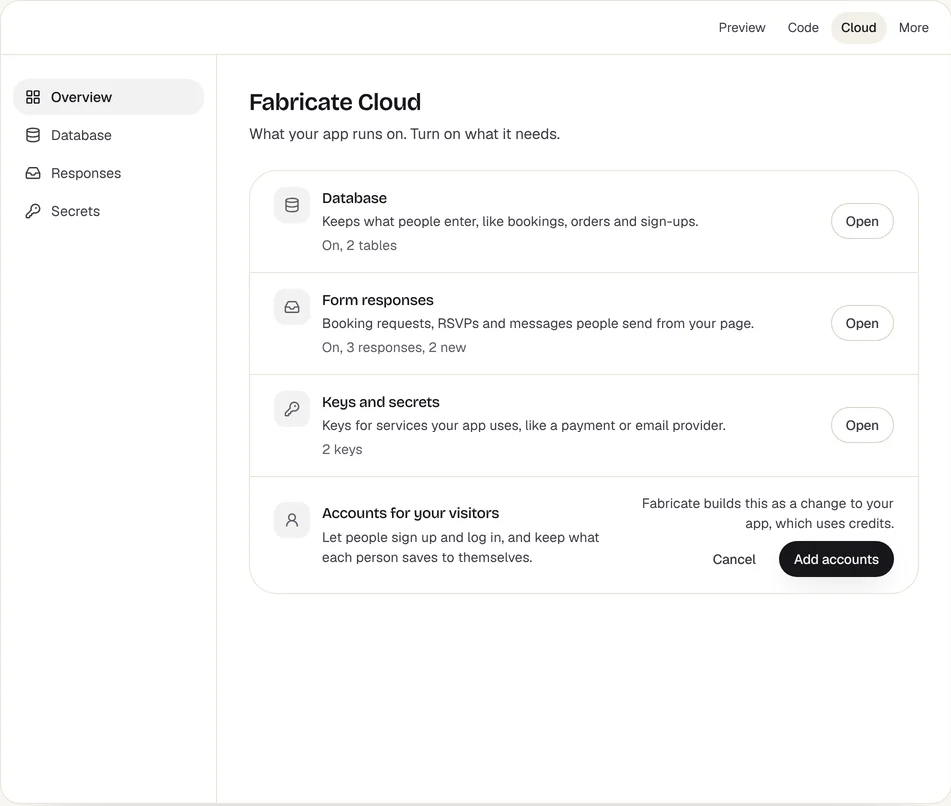
Who builds a community platform
Clubs and associations
Members, discussions and events in one place instead of a group chat and a spreadsheet.
Brands and creators
A home for your customers or audience, with your own rules and your own member list.
Course and program alumni
A place for past students to ask questions, share work and find each other.
Professional networks
A member directory, discussions by topic and events for a trade or a local network.
What your community platform comes with
Discussion threads
Topics with threads and replies, sorted by newest or most active, with a search.
Member profiles
A name, a photo, a short bio and what each member is interested in, plus a directory to browse.
Events and RSVPs
A list of upcoming meetups and calls, and who is going to each one.
Roles and moderation
Admins and moderators can pin, hide and remove posts, and remove members.
Open or invite-only
Let anyone sign up, or hand out invite codes so only the people you choose can join.
Its own database
Members, threads and events are saved in the app's own database. Publishing gives the live app a fresh one, so test posts stay behind.
In short
- A community app with member sign-in, profiles, discussion threads, events and moderation can be built from a plain-English description
- It has its own link and its own database of members, open to anyone or by invite code
- On Pro and Max it can charge a membership through your own Stripe account; push notifications, newsletters and phone apps are not built in
What goes into an online community built with Fabricate
Most communities start in a group chat, a Facebook group or a Discord server, and move when they outgrow it: questions get lost in the scroll, the rules belong to someone else, and there is no list of who the members are. A community app built with Fabricate gives the group a home of its own, from your description of who belongs, what they talk about and how they join.
Discussions and profiles: ask for topics with threads and replies, sorted by newest or most active, and a search across them. Each member has a profile with a photo, a short bio and their interests, and a directory lets members find each other. Ask for live updates and new replies appear on open screens without a refresh.
Events and membership: list upcoming meetups and calls with who is going, and keep some areas for members only. On Pro and Max, the app can charge a monthly membership through Stripe Checkout into your own Stripe account, and it checks that a member is paid up before it shows a members-only page.
What is not built in: push notifications, newsletters and email digests, video hosting, livestreams and phone apps from the App Store or Google Play. Members sign in with an email and a password; Google and social sign-in are not built in. A community app gives your group its own home and member list; it does not bring the reach of a big platform with it.
Community platforms you can start from
Choose one and the builder opens with its description filled in. Change any word before you build.
How to build a community platform
Four steps, all in one chat.
- 1Describe your community
Who belongs, what they talk about and how they join.
- 2Post as test members
Sign up as two members, start a thread and reply before you share the link.
- 3Ask for changes
Add a page, a field or a colour by asking in the same chat.
- 4Publish it
The live app starts with a fresh database, so your test entries stay behind.
Chat
Your app
- Free60 credits a monthBuild, preview and publish. No card needed.
- A new app20 to 35 creditsA small change is about 3 to 10 credits.
- Pro350 credits a monthA live link and your own domain. Prices are on the pricing page.
Questions about community platforms
- Can I build a community platform without coding?
- Yes. Describe your members, the topics they discuss and how they join, and Fabricate builds the community app and shows it working in a preview. To change something, you ask in the chat. There is no code to write or read.
- How is this different from a Facebook group or Discord?
- Those are free and may already have your members, but the platform owns the feed, the rules and the member list. A community app built with Fabricate has its own link, its own database of members and the features you ask for. It does not have their reach, push notifications or phone apps, so most groups that move start by inviting their most active members.
- Can I charge for membership?
- On Pro and Max, the app can take card payments through Stripe Checkout, paid into your own Stripe account, which you connect under More > Payments. Ask for a monthly membership and members-only areas, and the app checks that a member is paid up before it shows them. Members change their card or cancel by contacting you.
- Can the app email my members?
- Not with news or digests. On Pro and Max, a published app sends the emails that confirm an address and reset a password; newsletters and announcements go out from your own email tool. Ask for an admin page that lists members, so the list is easy to copy.
- Will it work on phones?
- Yes. It is a web app: it opens from its link in any phone or computer browser, and anyone can add it to their home screen from the browser. It is not an App Store or Google Play app. Published as a phone app on Pro and Max, it can remind each person on their own phone at a time they set; notifications about new activity, such as a new message, are not built in.
- Who can see the posts?
- Whoever you decide. Ask for posts to show only to signed-in members, and for invite codes so only people you give a code to can join. With open sign-up, a stranger who signs up can read members-only posts too, so use invite codes for a private group.
- Will my test posts show up in the live app?
- No. Publishing gives the live app a fresh database of its own, so the test entries you made in the preview stay behind.
- What does it cost?
- You can start on Free, which includes 60 credits a month and needs no card. A whole new app usually takes about 20 to 35 credits and a small change about 3 to 10 credits. Current plans are on the pricing page.
Keep reading
Every Build page- Build a Social Media AppProfiles, posts, a feed, likes, comments and messages.Build it
- Build a Chat AppOne-to-one and group chats with live messages.Build it
- Build a Membership SiteMembers-only pages with paid plans through your own Stripe.Build it
- Build an Online Course PlatformLessons, quizzes and progress for your students.Build it
- Build an Event WebsiteEvent pages with registration and a guest list.Build it
- AuthenticationSign-up, sign-in and private data for your app's users.Feature
Start your community
Describe who belongs and what they talk about. Try it with test members, then share the link.
Build free. No card needed.
Related pages
Build a hotel website with booking requests
Describe your rooms and Fabricate builds a hotel website: rooms, prices, photos and a booking request form for each stay...
Read moreBuild a fintech app without code
Describe your product and Fabricate builds a fintech app: calculators, dashboards, client portals and application forms....
Read moreBuild a consulting website
Describe your services and Fabricate builds a consulting website: services, case studies, insights and a call request fo...
Read moreBuild a coaching website
Describe your coaching and Fabricate builds a coaching website: programmes, session requests, payments and a client area...
Read moreEverything You Can Build
Explore use cases, from MVPs to marketplaces.
Read moreAI App Builder
Describe your app and get a frontend, database, logins and a live URL in minutes.
Read more