Build a waitlist page for your launch
You can build a waitlist page without writing code: describe what you are launching and what you want to ask people, and Fabricate builds a working page that explains what is coming, takes sign-ups with a form and keeps every sign-up in one list, with an email to you for each one once the page is published, up to a daily limit.
It is a real web app, so it can grow into the product later. Try it with a test sign-up first, then ask for changes in the same chat.
- Free plan: 60 credits a month
- No card needed
- Live link included
From one message to a waitlist page
Then try it yourself and ask for changes in the same chat until it fits.
You write: A waitlist page for my app that helps dog owners find walkers nearby, launching in spring. It explains what the app does, who it is for and when it opens, with a picture of the app. Visitors join with their email, their city and whether they own a dog or walk dogs. Email me each new sign-up, and show how many people have joined. Make it easy to use on a phone.
 Fabricate
I built your waitlist page: what the app does, who it is for and when it opens, a sign-up form with email, city and whether people own or walk dogs, a count of people who joined, and an email to you for each sign-up once it is live. Send a test sign-up in the preview.
Then ask for changes, such as
- Add a referral link
- Add a questions section
- Use our brand colours
A whole new app usually takes about 20 to 35 credits.
Signal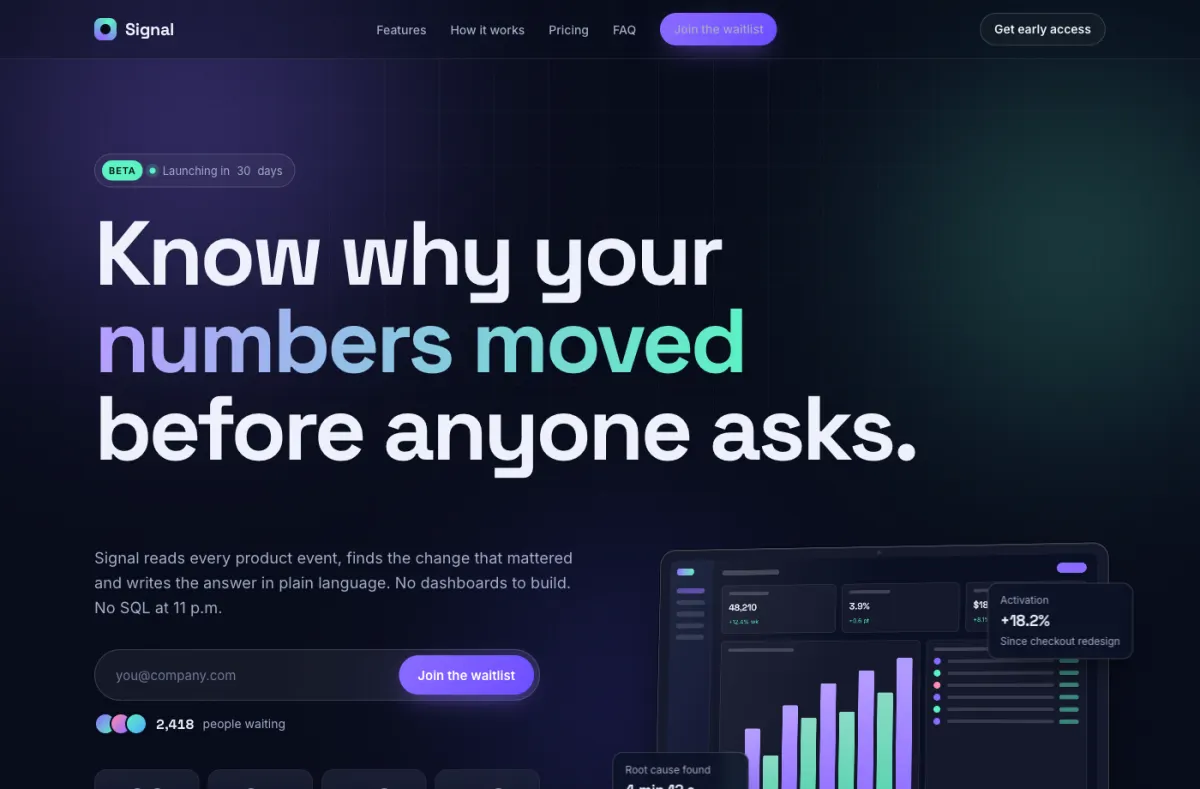
Who builds a waitlist page
Founders before launch
Proof that people want it, and a list of the first people to tell.
Creators with a new product
A course, a book or a collection, with the people waiting for it.
Shops and restaurants opening soon
A coming-soon page with the date, the address and an opening offer.
Betas with limited places
A form that tells you who people are, so you choose who gets in first.
What your waitlist page comes with
A launch page
What is coming, who it is for, when it opens and a picture of it.
A sign-up form
An email and any questions you choose, such as their role or what they want most.
Every sign-up in one list
Sign-ups under Responses in Fabricate once it is live, with a download as a CSV file.
A count of sign-ups
Ask for the number of people who have joined, shown on the page.
A referral queue
Ask for a place in the queue and a link to share that moves people up.
A confirmation email
On Pro and Max, a confirmation email to each person who signs up, once you turn it on.
In short
- A waitlist page with a launch page, a sign-up form, a count of sign-ups and a referral queue can be built from a plain-English description
- Once it is live, every sign-up lands under Responses in Fabricate, with an email to you for each and a CSV download of the list
- Launch emails to the whole list are not built in; send them from your own email tool
What goes into a waitlist page built with Fabricate
A waitlist page has one job: explain what is coming clearly enough that the right people leave their email. Landing page tools and form tools do that in two places. A waitlist page built with Fabricate is one small web app, from your description of what you are launching and what you want to learn from the people who sign up.
The page and the form: what is coming, who it is for, when it opens and a picture of it, then a form with an email and the questions you choose, such as their role or what they want most. Ask for the number of people who have joined, a place in the queue, or a link to share that moves people up.
The list: once the page is published, every sign-up lands under Responses in Fabricate, with an email to you for each one, up to a daily limit, and a download of the whole list as a CSV file. On Pro and Max, you can turn on a confirmation email to each person who signs up, and on Pro and Max each sign-up can go on to Slack, Zapier, Make or a webhook.
What is not built in: newsletters and launch emails to the whole list; download the list and send them from your own email tool. Because the page is a web app with its own database, you can keep building the product in the same chat.
Waitlist pages you can start from
Choose one and the builder opens with its description filled in. Change any word before you build.
- Product waitlistWhat is coming, a sign-up form and a count of who joined.
- Referral queueA place in the queue and a link that moves people up.
- Opening soonA coming-soon page for a shop or a restaurant, with an opening offer.
- Beta sign-upA form that asks who people are, so you pick the first testers.
Or start from a template
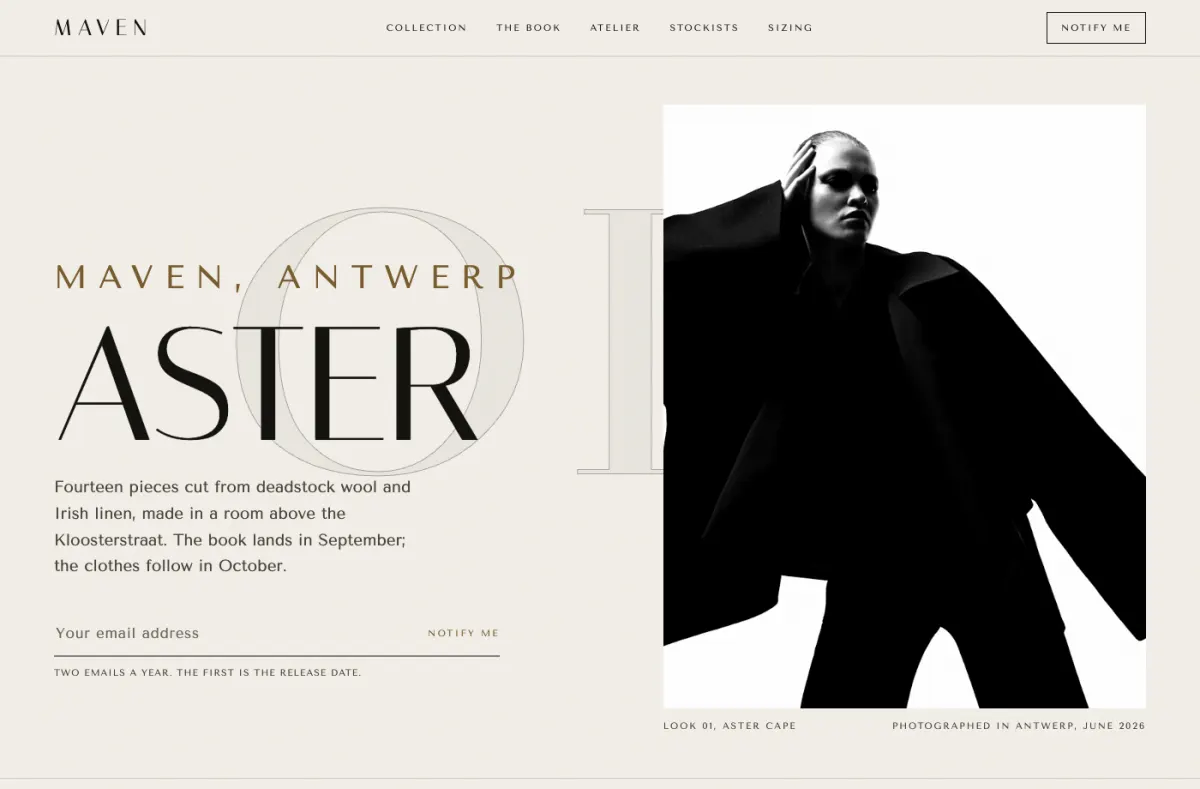
Lookbook
A pre-launch lookbook for a small fashion label, with six looks and a notify-me button, ready to change into your own coming-soon page.
How to build a waitlist page
Four steps, all in one chat.
- 1Describe your launch
What is coming, who it is for and what you want to ask people.
- 2Send a test sign-up
Join your own waitlist in the preview and check the count.
- 3Ask for changes
Add a page, a field or a colour by asking in the same chat.
- 4Publish it
The live app starts with a fresh database, so your test entries stay behind.
Chat

Your app

Once it is live
Every sign-up lands in one place
Once your app is published, every sign-up a visitor sends through it is kept under Responses in Fabricate, and you get an email for each one, up to a daily limit. You can download them all as a CSV file.
On Pro and Max, you can also turn on a confirmation email to a visitor, again up to a daily limit.
Fabricate does not send text messages.
Sign-up
- jo.lee@example.com
- Role
- Studio owner
- Wants most
- Online booking
- Email to youFor each new sign-up, up to a daily limit.
- Confirmation to a visitorOn Pro and Max, once you turn it on.
- Free60 credits a monthBuild, preview and publish. No card needed.
- A new app20 to 35 creditsA small change is about 3 to 10 credits.
- Pro350 credits a monthA live link and your own domain. Prices are on the pricing page.
Questions about waitlist pages
- Can I build a waitlist page without coding?
- Yes. Describe what you are launching and what you want to ask people, and Fabricate builds the waitlist page and shows it working in a preview. To change something, you ask in the chat. There is no code to write or read.
- Where do the sign-ups go?
- Into the app's own database, and once the page is published, under Responses in Fabricate too, with an email to you for each one, up to a daily limit. You can download every sign-up as a CSV file and import it into your email tool.
- Can I email the people on my waitlist?
- Not from Fabricate, apart from a confirmation: on Pro and Max you can turn on a confirmation email to each person who signs up. For launch news, download the list as a CSV file and send it from your own email tool.
- Can sign-ups go straight to my email tool?
- On Pro and Max, each new sign-up can also go to Slack, Zapier, Make or a webhook, under More > Connectors, and from there to the email tool you use.
- Can I add a referral link that moves people up the list?
- Yes, if you ask for it: each person gets a place in the queue and a link to share, and each sign-up through that link moves them up. Describe the rule you want.
- Can the waitlist page become the product later?
- Yes. It is a web app with its own database, so you can keep building in the same chat: add sign-in, the first features and, on Pro and Max, paid plans.
- Can it use my own domain?
- Yes, on Pro and Max. On Free, a published app gets its own free address on fabricate.chat.
- What does it cost?
- You can start on Free, which includes 60 credits a month and needs no card. A whole new app usually takes about 20 to 35 credits and a small change about 3 to 10 credits. Current plans are on the pricing page.
Keep reading
Every Build page- Build an MVPA working first version of your product to test with users.Build it
- Build an AI Startup WebsiteA launch site for an AI product, with a demo and sign-ups.Build it
- Build an Event WebsiteEvent pages with registration and a guest list.Build it
- Build a Changelog PageRelease notes your users can read and search.Build it
- ConnectorsSend new requests to Slack, Zapier, Make or a webhook.Feature
- App Ideas to BuildIdeas for apps you can build from one description.Guide
Start your waitlist page
Describe what you are launching. Try a test sign-up, then share the link.
Build free. No card needed.
Related pages
Build a chat app without code
Describe who talks to whom and Fabricate builds a chat app: sign-in, group and one-to-one chats, and messages that appea...
Read moreBuild a documentation site
Describe your product and Fabricate builds a documentation site: pages by topic, a sidebar, search and an editor for you...
Read moreBuild a changelog page for your product
Describe your product and Fabricate builds a changelog page: dated release notes with tags, search and an editor for you...
Read moreBuild an online course platform
Describe your course and Fabricate builds an online course platform: student sign-in, lessons, quizzes and progress trac...
Read moreEverything You Can Build
Explore use cases, from MVPs to marketplaces.
Read moreAI App Builder
Describe your app and get a frontend, database, logins and a live URL in minutes.
Read more