AlternativesUpdated
Best Google Forms Alternatives in 2026
Google Forms makes surveys, quizzes and forms in your Google account, with answers that can go to a Google Sheet. If you want payments in the form, a form that looks like your brand, or answers that become work in an app of your own, here are five alternatives and what each one does.
 Invoice tracker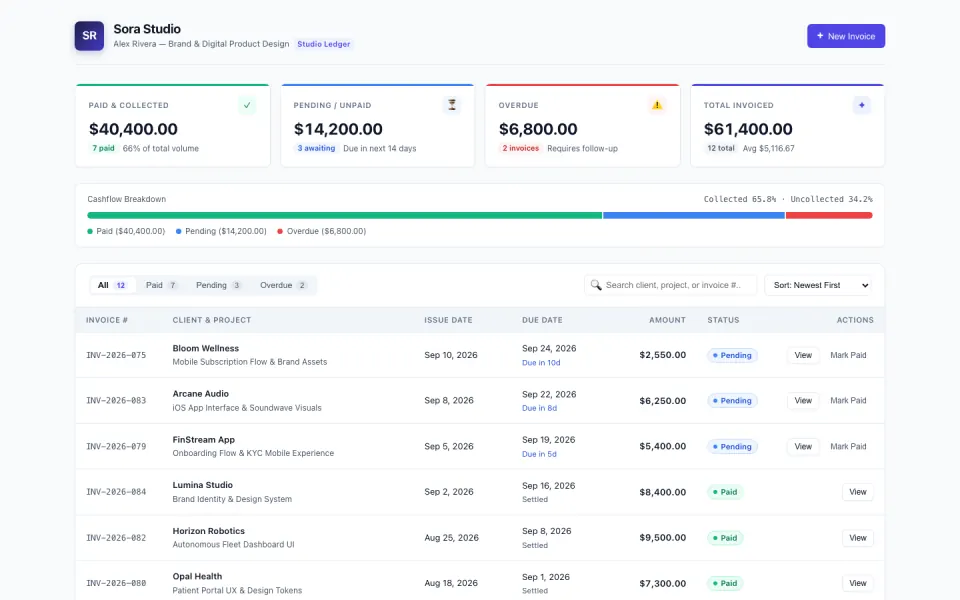
Key takeaways
- Google Forms makes surveys, quizzes and forms in your Google account, and responses can go to a Google Sheet.
- Jotform builds payments into its forms; its free plan allows 5 active forms and 100 submissions a month.
- Typeform suits branded surveys; Tally's free plan has unlimited forms and submissions within fair use.
- Fillout has unlimited seats on every plan and 1,000 free responses a month.
- Fabricate builds the form and the app behind it, so each answer lands in a list you work through. Building and previewing are free; publishing is on Pro and Max.
Why Are People Looking for Google Forms Alternatives?
Answers End Up in a Sheet
Responses can go to a Google Sheet, so giving each one a price, a status or an owner happens in a spreadsheet.
Fits: FabricatePayments in the Form
Jotform builds payments into its forms, from a free plan.
Fits: JotformA Form That Looks Like Your Brand
Typeform is made for branded forms and surveys.
Fits: TypeformMany Forms on a Team
Fillout charges one price for unlimited seats, and its free plan takes 1,000 responses a month.
Fits: Fillout
Compare at a glance
Fabricate beside Google Forms, feature by feature.
- Builds From a Description
- Fabricate
- Yes
- Google Forms
- No, you add each question
- Where Answers Go
- Fabricate
- A list in your own app, behind your sign-in
- Google Forms
- Google Forms, or a Google Sheet
- Payments
- Fabricate
- Stripe Checkout into your own account, on Pro and Max
- Google Forms
- Not part of what we read
- Quizzes With Grading
- Fabricate
- If you ask for one
- Google Forms
- Yes
- Paid Plans From
- Fabricate
- $25 a month
- Google Forms
- In your Google account
Fabricate
We make thisBest for: Forms whose answers become work
Builds the form and the app behind it from your description: a request, booking or order form anyone can fill in without an account, and a list behind your own sign-in where you work through what comes in. Once published, every submission is kept under Responses in Fabricate and emailed to you, up to a daily limit. Building and previewing are free; publishing is on Pro and Max.
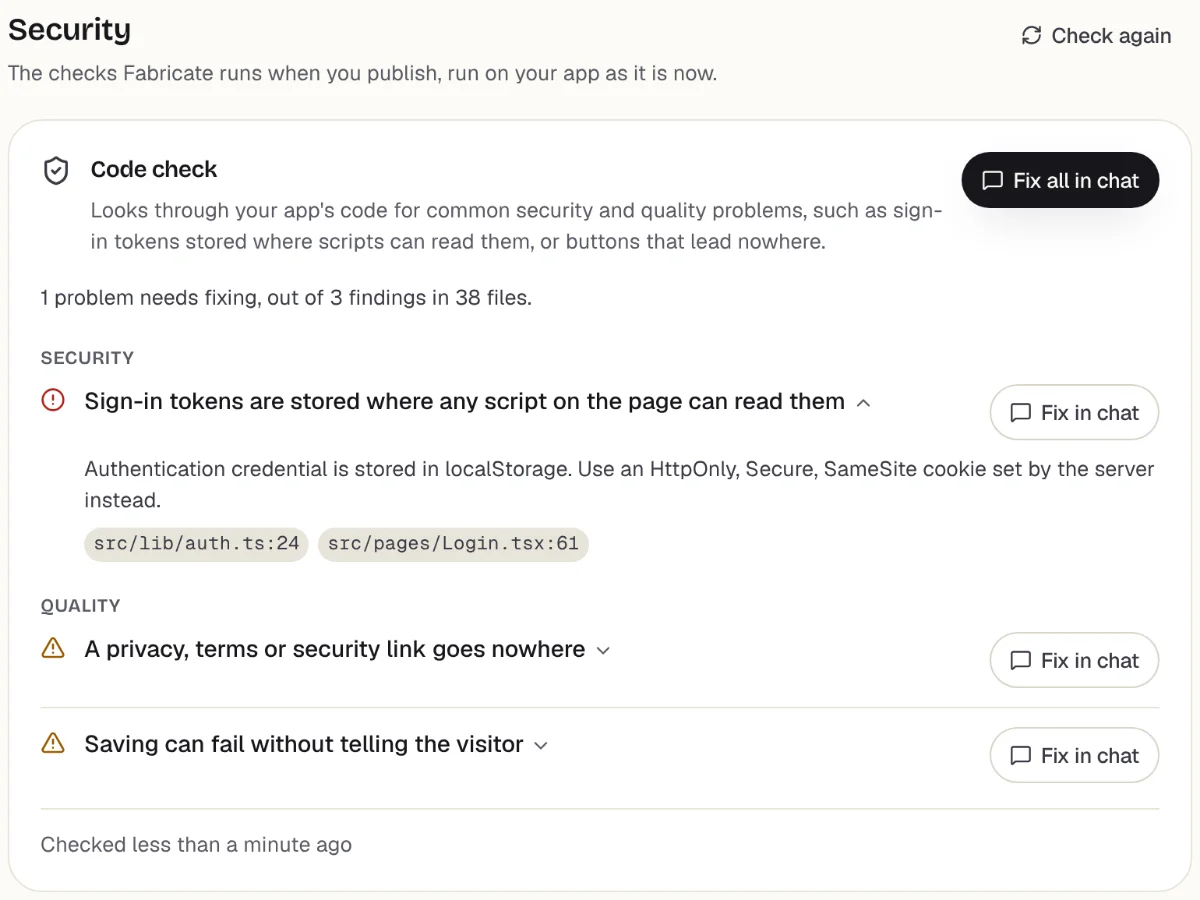
Checks before you publish
What it does well
- Answers land in your own app
- Card payments on Pro and Max
- A list to work through, behind your sign-in
- Paid plans from
- $25 a month
- 350 credits a month on Pro
- Free plan
- 60 credits
- A month, to build and preview
- A live app
- Pro and Max
- Publishing is on paid plans
How to Move from Google Forms to Fabricate
- 1
List the questions
Write down each question on your Google form, which ones are required and what happens after someone sends it.
- 2
Describe the form and what you do with it
Tell Fabricate the questions and what you do with each answer, such as giving it a price or a status.
- 3
Bring past answers over
Save past answers as a CSV file and ask for an import page that adds them to the app's own database.
- 4
Send a test
Fill in the form yourself in the preview and check the answer reaches your list.
- 5
Put it online
On Pro, one press of Publish gives it its own address to share, after the same browser check.
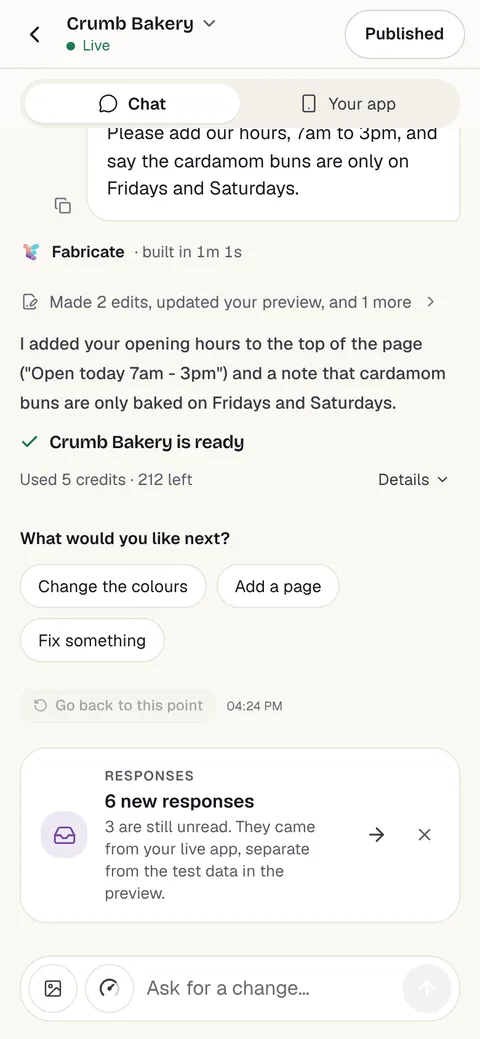
Chat
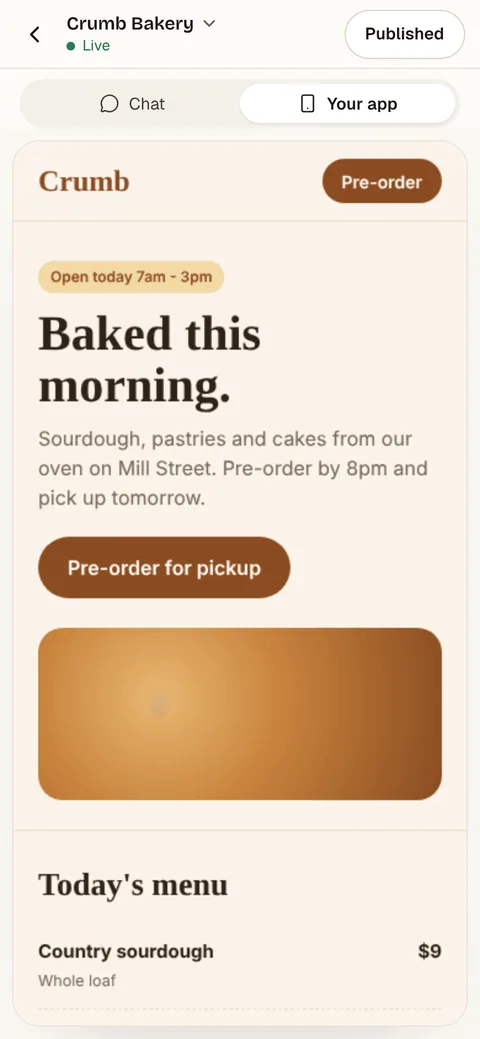
Your app
The other Google Forms alternatives
What each one does well, and the kind of project it suits best.
- Number 2
Jotform
Best for: Forms with payments and many field types
Online forms with payments and widgets. Starter, the free plan, allows 5 active forms and 100 submissions a month with Jotform branding; Bronze is $39 a month billed monthly, or $34 billed yearly, for 25 forms and 1,000 submissions.
- Payments in forms
- A free plan to start
- Plans by forms and submissions
Where Jotform beats Fabricate
If you need many kinds of form, each ready in minutes with payments built in, Jotform is made for exactly that.
From $39 a monthJotform alternativesSource: jotform.com/pricing (opens in a new tab), checked
- Number 3
Typeform
Best for: Branded surveys
Forms and surveys, with plans capped by responses a month. The free plan takes a limited number of responses, Basic takes 100 a month for 1 seat, and removing Typeform branding starts on Plus.
- Forms and surveys
- A free plan to start
- Branding removed from Plus
Where Typeform beats Fabricate
If the form is a survey for your brand and you want it ready without building anything, Typeform is made for that.
Source: typeform.com/pricing (opens in a new tab), checked
- Number 4
Tally
Best for: Free forms without caps
A form builder whose free plan has unlimited forms and submissions within fair use, with file uploads up to 10 MB. Pro removes Tally branding and adds custom domains.
- Unlimited free forms
- Unlimited free submissions, within fair use
- Custom domains on Pro
Where Tally beats Fabricate
If you need a form and nothing else, Tally's free plan has no cap on forms or submissions within fair use.
Source: tally.so/pricing (opens in a new tab), checked
- Number 5
Fillout
Best for: Teams sharing many forms
A form builder priced per account, with unlimited seats on every plan. Free takes 1,000 responses a month; Starter is $19 a month billed monthly, or $15 billed yearly, for 2,000.
- 1,000 free responses a month
- Unlimited seats
- Branding removed on Pro
Where Fillout beats Fabricate
If a team shares the forms, Fillout charges one price for unlimited seats, and its free plan takes 1,000 responses a month.
From $19 a monthSource: fillout.com/pricing (opens in a new tab), checked
Google Forms and its alternatives: answers in a sheet, or answers that become work
Google Forms is the quickest way to ask a few questions: a survey, a sign-up or a graded quiz, saved in Google Drive, with collaborators who can edit it with you and answers that can go to a Google Sheet.
The answers are where many teams outgrow it. A sheet of responses is fine for a survey; for quote requests, bookings or orders, someone has to give each one a price, a status or an owner, and that work happens in a spreadsheet.
Jotform builds payments into many kinds of form. Typeform is made for branded forms and surveys. Tally's free plan has no cap on forms or submissions within fair use, and Fillout charges one price for unlimited seats.
A form built with Fabricate comes with the app behind it. Each answer lands in a list behind your own sign-in, where you mark it priced, booked or done. Once published, you get an email for each one, up to a daily limit, and on Pro and Max you can turn on a confirmation email to whoever sent it. On Pro and Max, the app can take card payments through Stripe Checkout, paid into your own Stripe account, which you connect under More > Payments.
Frequently asked questions
- What is the best Google Forms alternative?
- For forms with payments, Jotform. For branded surveys, Typeform. For unlimited free forms, Tally. For a team sharing many forms, Fillout. For a form whose answers become work in an app of your own, Fabricate, which we make. Building and previewing are free; publishing is on Pro and Max.
- Can a form built with Fabricate take payments?
- On Pro and Max, the app can take card payments through Stripe Checkout, paid into your own Stripe account, which you connect under More > Payments. Fabricate takes no share of what you are paid; Stripe charges its own card fees.
- Does the person who filled in the form get an email?
- On Pro and Max, yes: once the app is published, you can turn on a confirmation email to them, up to a daily limit. You get an email for each submission too, again up to a daily limit, and every submission is kept under Responses in Fabricate.
- Can I build a form that does more than collect answers?
- Yes. Fabricate builds the form and the app behind it: describe what people send and what you do with it, such as pricing a job or confirming an order, and you get a list behind your own sign-in to work through. On Pro and Max, each new request sent through the app's forms, such as a booking or an enquiry, can also go to Slack, Zapier, Make or a webhook, under More > Connectors.
- Can I move my Google Form to Fabricate?
- Not as a file, but you can rebuild it: list its questions, describe what you do with each answer, and ask for an import page that adds past answers from a CSV file, such as one saved from the Google Sheet. Syncing with Google Forms or Sheets is not built in.
Sources
The pages this guide quotes, each with the day it was read.
- Google Docs Editors Help: create a form (opens in a new tab), checked
- jotform.com/pricing (opens in a new tab), checked
- typeform.com/pricing (opens in a new tab), checked
- tally.so/pricing (opens in a new tab), checked
- fillout.com/pricing (opens in a new tab), checked
- fabricate.build/pricing, from our live plans
About this guide
Written by the Fabricate team. Fabricate is our product, so it is first on this page and marked "We make this". Where a reason to switch fits another tool better, the reason says which.
Each tool's card lists the pages we read about it and the day we read them. We compared the tools from their own pricing pages and documentation, not by signing up for them. Spotted something out of date? Write to info@fabricate.build.
Related guides
All alternatives- Jotform AlternativesFive form builders compared with Jotform on free limits and price.Alternatives
- Typeform AlternativesFive form builders compared with Typeform on caps and branding.Alternatives
- Build a Landing PageYour offer, your proof and a lead form, with every lead in one list.Build it
- Apps for Cleaning BusinessesQuote requests, job schedules and checklists for cleaning teams.For you
Related pages
Typeform Alternatives
Five Typeform alternatives compared on free plan limits, response caps, branding and price, from each tool's own pricing...
Read moreJotform Alternatives
Five Jotform alternatives compared on free plan limits, price and branding, from each tool's own pricing page, with wher...
Read moreAll AI App Builder Alternatives
Compare every alternative we have reviewed, side by side.
Read moreAI App Builder
Describe your app and get a frontend, database, logins and a live URL in minutes.
Read more