AlternativesUpdated
Best Jobber Alternatives in 2026
Jobber is software for home service businesses. Core is $49 a month for 1 user, Connect $139 and Grow $199, and each extra user is $29 a month. If that is a lot for a small crew, or you want a job tracker shaped around your own work, here are three alternatives and what each one does.
 Dispatch desk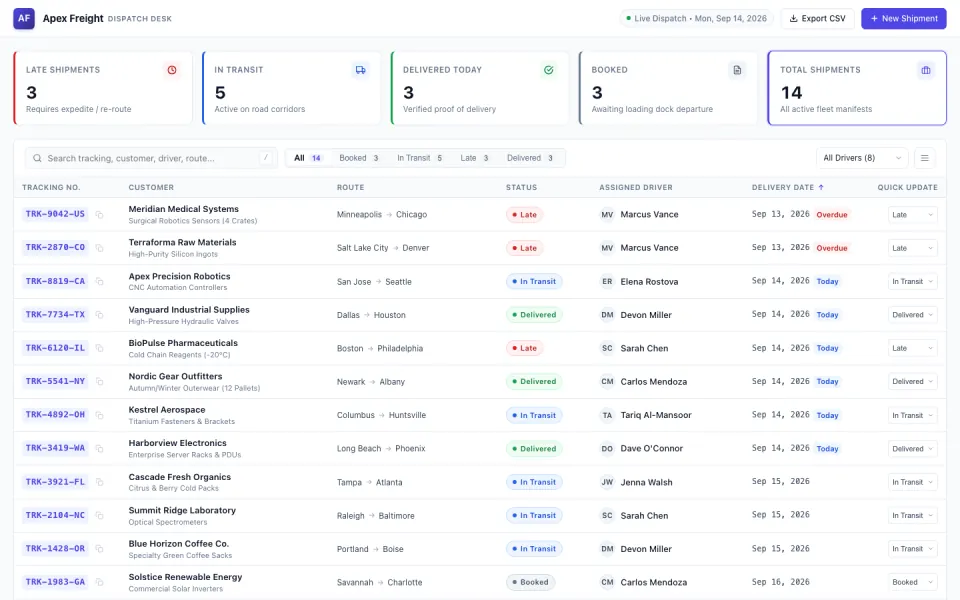
Key takeaways
- Jobber Core is $49 a month for 1 user; each extra user is $29 a month.
- Housecall Pro Basic is $79 a month billed monthly for 1 user, with booking, dispatching, quotes and invoices.
- ServiceM8 is free for 1 user and 30 jobs a month, and its paid plans have unlimited users.
- Fabricate builds a job tracker with service requests, work orders and a job list for each person; invoices, route planning and text messages are not built in. Building and previewing are free; publishing is on Pro and Max.
Why Are Businesses Looking for Jobber Alternatives?
Priced per User
Core is $49 a month for 1 user, and each extra user is $29 a month, so the cost grows with the crew.
Free for One Person
ServiceM8 is free for 1 user and 30 jobs a month, and its paid plans have unlimited users.
Fits: ServiceM8Dispatching and QuickBooks
Housecall Pro has scheduling and dispatching on every plan, and QuickBooks from Essentials.
Fits: Housecall ProA Tracker Shaped Around Your Jobs
Requests, work orders and a job list in your own words, with no price for each person on the crew who signs in.
Fits: Fabricate
Compare at a glance
Fabricate beside Jobber, feature by feature.
- Builds From a Description
- Fabricate
- Yes
- Jobber
- No, ready-made software
- Price per Person
- Fabricate
- None for the people who sign in to a published app
- Jobber
- $29 a month for each extra user
- Free Plan
- Fabricate
- Build and preview
- Jobber
- None; a 14-day free trial
- Service Requests and Work Orders
- Fabricate
- Yes
- Jobber
- Yes
- Invoices and Route Planning
- Fabricate
- Not built in
- Jobber
- Part of what Jobber sells
- Paid Plans From
- Fabricate
- $25 a month
- Jobber
- $49 a month for 1 user
Fabricate
We make thisBest for: A job tracker for a small crew
Builds a job tracking app from your description: customers send a service request without an account, you turn each request into a work order with a date and the person assigned, and each person on your team signs in with an invite code to see their jobs for the day in a phone's browser. Route planning, live locations, sending invoices and text messages are not built in. Building and previewing are free; publishing is on Pro and Max.
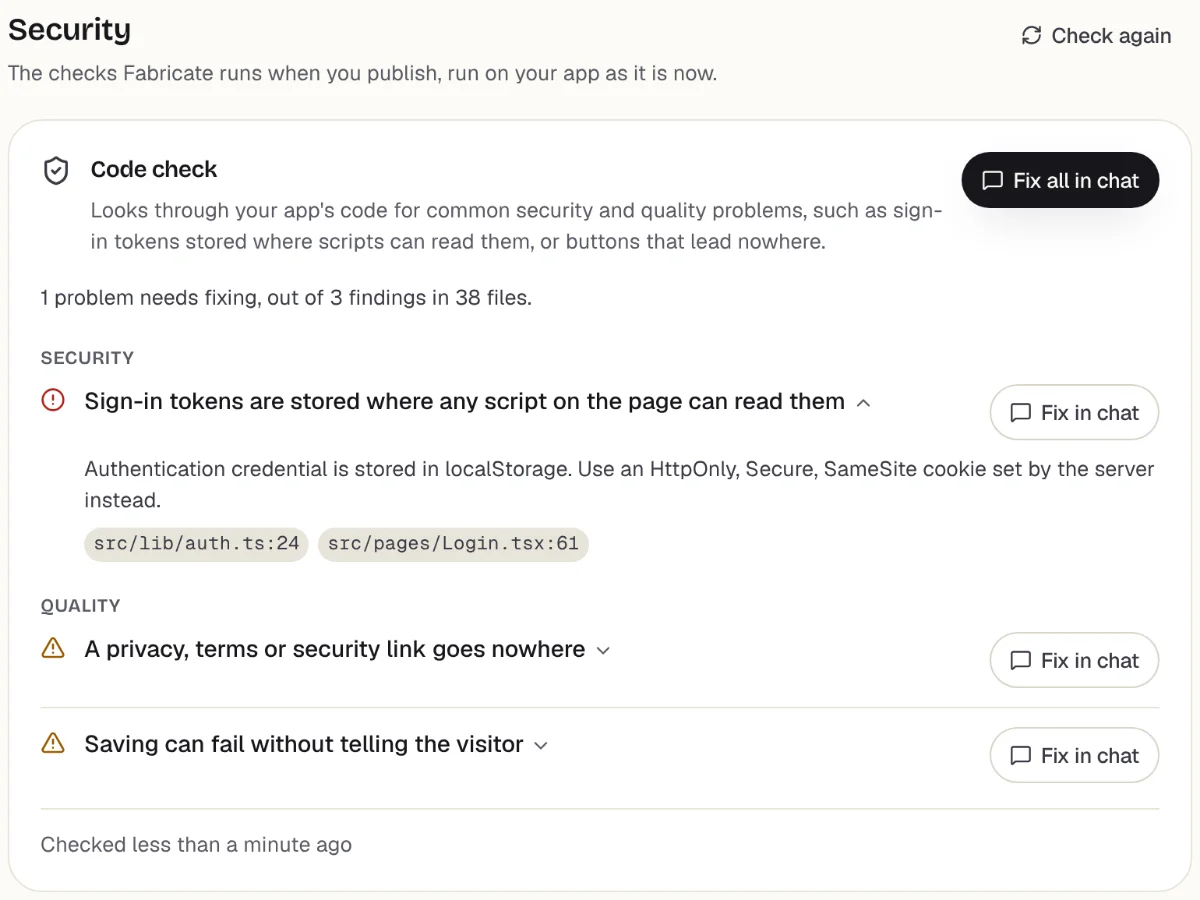
Checks before you publish
What it does well
- Service requests without an account
- Each person sees their own jobs
- No price per person who signs in
- Paid plans from
- $25 a month
- 350 credits a month on Pro
- Free plan
- 60 credits
- A month, to build and preview
- A live app
- Pro and Max
- Publishing is on paid plans
How to Move from Jobber to Fabricate
- 1
Export your customers
Save your customer list from Jobber as a CSV file, or copy it into a spreadsheet and save it as CSV.
- 2
Describe your jobs and your team
The jobs you take, the stages a job goes through, who does them and what you record on each visit.
- 3
Ask for an import page
Ask for a page, behind your own sign-in, that adds the rows of your CSV file to the app's own database.
- 4
Run a test job
Send a request, turn it into a job and finish it as a team member in the preview.
- 5
Put it online
On Pro, one press of Publish gives it its own address to share, after the same browser check.
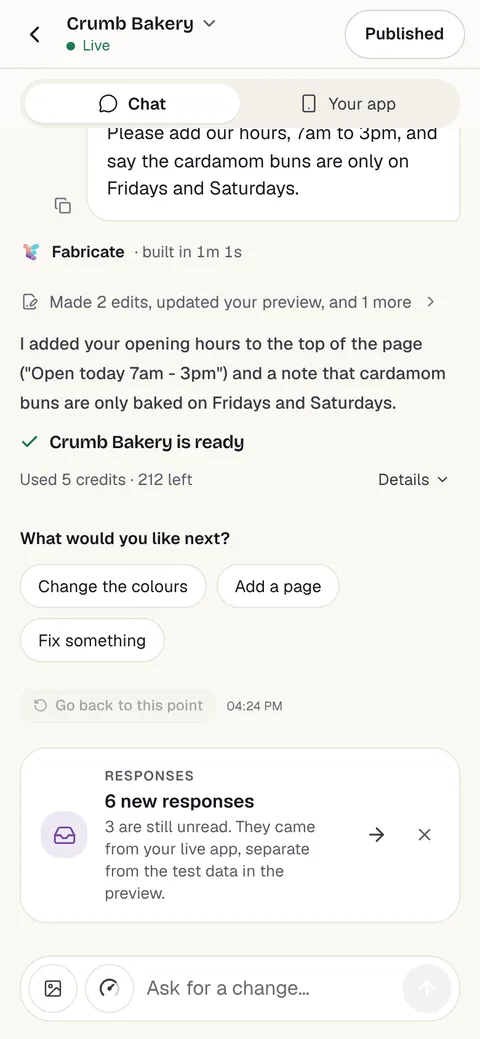
Chat
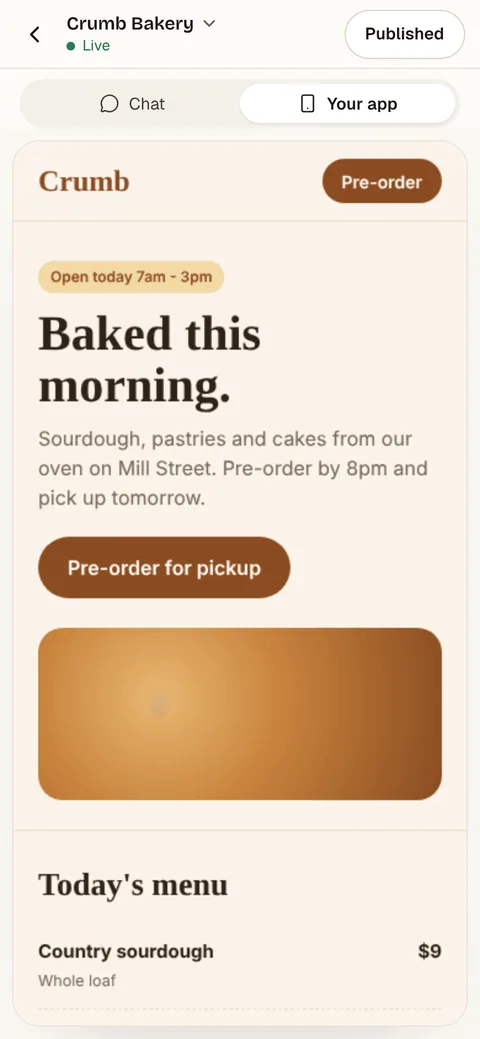
Your app
The other Jobber alternatives
What each one does well, and the kind of project it suits best.
- Number 2
Housecall Pro
Best for: Trades that quote, dispatch and invoice
Field service software with online booking, scheduling and dispatching, quotes, invoices and payments on every plan. Basic is $79 a month billed monthly, or $59 billed yearly, for 1 user; Essentials is $189 for up to 5 users.
- Online booking and dispatching
- Quotes, invoices and payments
- QuickBooks from Essentials
Where Housecall Pro beats Fabricate
If you want quotes, dispatching, invoices and payments ready on day one, and QuickBooks connected from Essentials, Housecall Pro does all of it.
From $79 a monthHousecall Pro alternativesSource: housecallpro.com/pricing (opens in a new tab), checked
- Number 3
ServiceM8
Best for: Solo trades and small crews
Job management for trades, priced by jobs a month with unlimited users on paid plans. Free covers 1 user and 30 jobs a month; Starter is $29 a month for 50 jobs and Growing $79 for 150, after a 14-day free trial.
- Free for one person, 30 jobs a month
- Unlimited users on paid plans
- Quotes and invoices
Where ServiceM8 beats Fabricate
If you work alone, ServiceM8 is free for up to 30 jobs a month, with quotes and invoices, and paid plans do not charge per user.
From $29 a monthSource: servicem8.com/us/pricing (opens in a new tab), checked
Jobber and its alternatives: ready-made field service, or a tracker of your own
Jobber is software for home service businesses, sold in plans for one user with extra users on top: Core is $49 a month, Connect $139 and Grow $199, and each extra user is $29 a month.
Housecall Pro is priced the same way, from $79 a month billed monthly for 1 user, with online booking, dispatching, quotes, invoices and payments on every plan. ServiceM8 is priced by jobs instead: free for 1 user and 30 jobs a month, then from $29 a month with unlimited users.
A crew that wants quotes, invoices, payments and accounting ready the day it signs up is the one this software is built for. A crew that mainly needs requests turned into jobs and a list for each person needs less.
A job tracking app built with Fabricate starts from your description of the jobs you take and your team. Customers send a request without an account, you turn it into a work order, and each person signs in to see their jobs for the day. Route planning, live locations, sending invoices or text messages to customers, and connecting to accounting software are not built in. The app keeps each job with the customer's details and the price, so an invoice is quick to send from the accounting software you use.
Frequently asked questions
- How much does Jobber cost?
- Core is $49 a month for 1 user billed monthly, with no commitment. Connect is $139 and Grow $199 for 1 user, and each extra user is $29 a month. There is a 14-day free trial.
- What is the best Jobber alternative for a small business?
- For one person, ServiceM8, free for up to 30 jobs a month. For quotes, dispatching, invoices and payments with QuickBooks, Housecall Pro. For a job tracker shaped around your own work, with no price for each person who signs in, Fabricate, which we make. Building and previewing are free; publishing is on Pro and Max.
- Can I build my own job tracking app?
- Yes. Describe the jobs you take, your team and what you record on each visit, and Fabricate builds the job tracking app and shows it working in a preview. To change something, you ask in the chat. There is no code to write or read.
- Can an app built with Fabricate send invoices or take payment?
- It does not send invoices or text messages to your customers, and it does not connect to accounting software. On Pro and Max, the app can take card payments through Stripe Checkout, paid into your own Stripe account, which you connect under More > Payments. Fabricate takes no share of what you are paid; Stripe charges its own card fees.
- Does it plan routes or track where my team is?
- No. The app does not work out routes or show live locations. It can list each person's jobs for the day in the order you set, with each address, so the day's plan is in one place.
Sources
The pages this guide quotes, each with the day it was read.
- getjobber.com/pricing (opens in a new tab), checked
- housecallpro.com/pricing (opens in a new tab), checked
- servicem8.com/us/pricing (opens in a new tab), checked
- fabricate.build/pricing, from our live plans
About this guide
Written by the Fabricate team. Fabricate is our product, so it is first on this page and marked "We make this". Where a reason to switch fits another tool better, the reason says which.
Each tool's card lists the pages we read about it and the day we read them. We compared the tools from their own pricing pages and documentation, not by signing up for them. Spotted something out of date? Write to info@fabricate.build.
Related guides
All alternatives- Build a Job Tracking AppService requests, work orders and a job list for your team.Build it
- Housecall Pro AlternativesThree tools compared with Housecall Pro on price and users.Alternatives
- Apps for PlumbersService requests, a job tracker and customer records.For you
- Apps for LandscapersQuote requests, recurring visits and crew checklists.For you
Related pages
Housecall Pro Alternatives
Three Housecall Pro alternatives for trades and home services, compared on monthly price, users and free plans, from eac...
Read moreAll AI App Builder Alternatives
Compare every alternative we have reviewed, side by side.
Read moreAI App Builder
Describe your app and get a frontend, database, logins and a live URL in minutes.
Read more