AlternativesUpdated
Best Thinkific Alternatives in 2026
Thinkific sells online courses on your own site, with no free plan: after a 30-day trial, Start is $109 a month billed monthly, or $82 billed yearly. If that is a lot for one course, or you want a course built around how you teach, here are five alternatives and what each one does.
 Fabricate CloudFabricate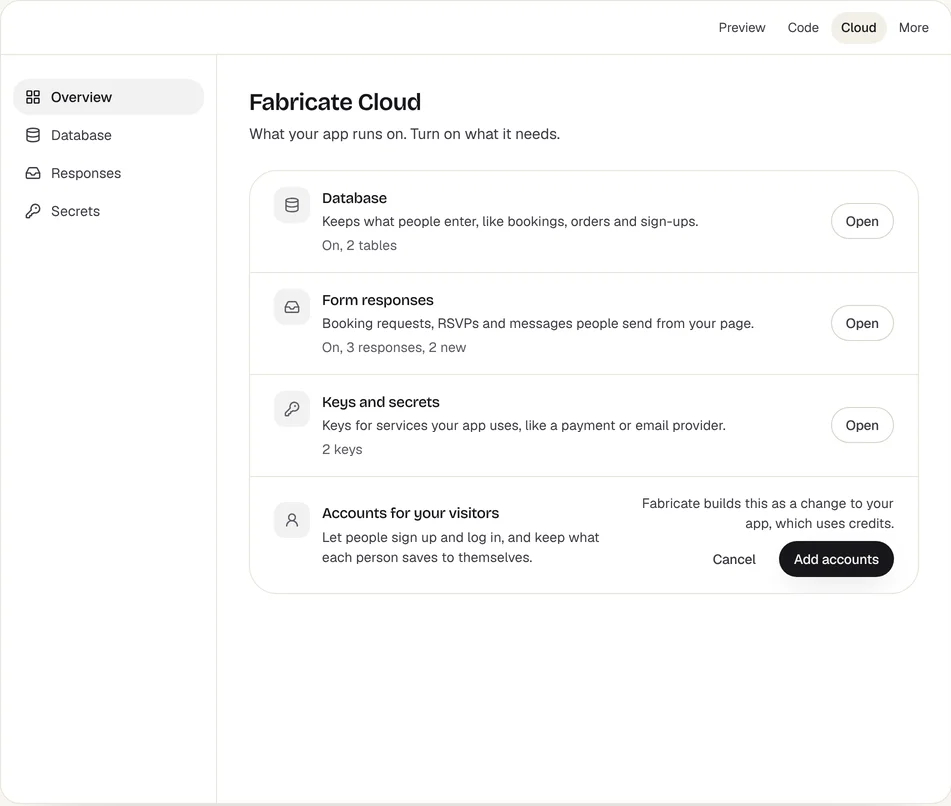
Key takeaways
- Thinkific has no free plan; Start is $109 a month billed monthly, after a 30-day free trial.
- Teachable's Starter is $39 a month billed monthly with a 7.5% transaction fee; LearnWorlds' Starter is $29 with a $5 fee for each paid enrollment.
- Kajabi puts courses, a website, email contacts and a community in one plan, from $179 a month.
- Podia starts at $49 a month with email subscribers built in.
- Fabricate builds a course platform with lessons, quizzes and progress from a description, and takes no share of your sales; it does not host video. Building and previewing are free; publishing is on Pro and Max.
Why Are People Looking for Thinkific Alternatives?
No Free Plan
There is a 30-day free trial, then Start is $109 a month billed monthly or $82 billed yearly; Grow is $219 and Expand $499 billed monthly.
A Lot for One Course
Teachable's Starter is $39 a month billed monthly, with a 7.5% transaction fee, and LearnWorlds' Starter is $29, with a $5 fee for each paid enrollment.
Fits: TeachableEverything in One Plan
Some creators would rather have their website, email list and community with the courses, from one company.
Fits: KajabiA Course Built Around You
Every course on a course platform takes the shape of its pages; a course built with Fabricate takes the shape you describe.
Fits: Fabricate
Compare at a glance
Fabricate beside Thinkific, feature by feature.
- Builds From a Description
- Fabricate
- Yes
- Thinkific
- Course pages and an editor
- Free Plan
- Fabricate
- Build and preview
- Thinkific
- None; a 30-day free trial
- Payments
- Fabricate
- Stripe Checkout into your own account, on Pro and Max
- Thinkific
- Yes
- Paid Plans From
- Fabricate
- $25 a month
- Thinkific
- $109 a month
Fabricate
We make thisBest for: One course on your own platform
Builds a course platform from your description: student sign-in, modules and lessons, quizzes and progress, and on Pro and Max, payment through Stripe Checkout into your own Stripe account. Lessons show videos you host on YouTube or Vimeo; Fabricate does not host video. Building and previewing are free; publishing is on Pro and Max.
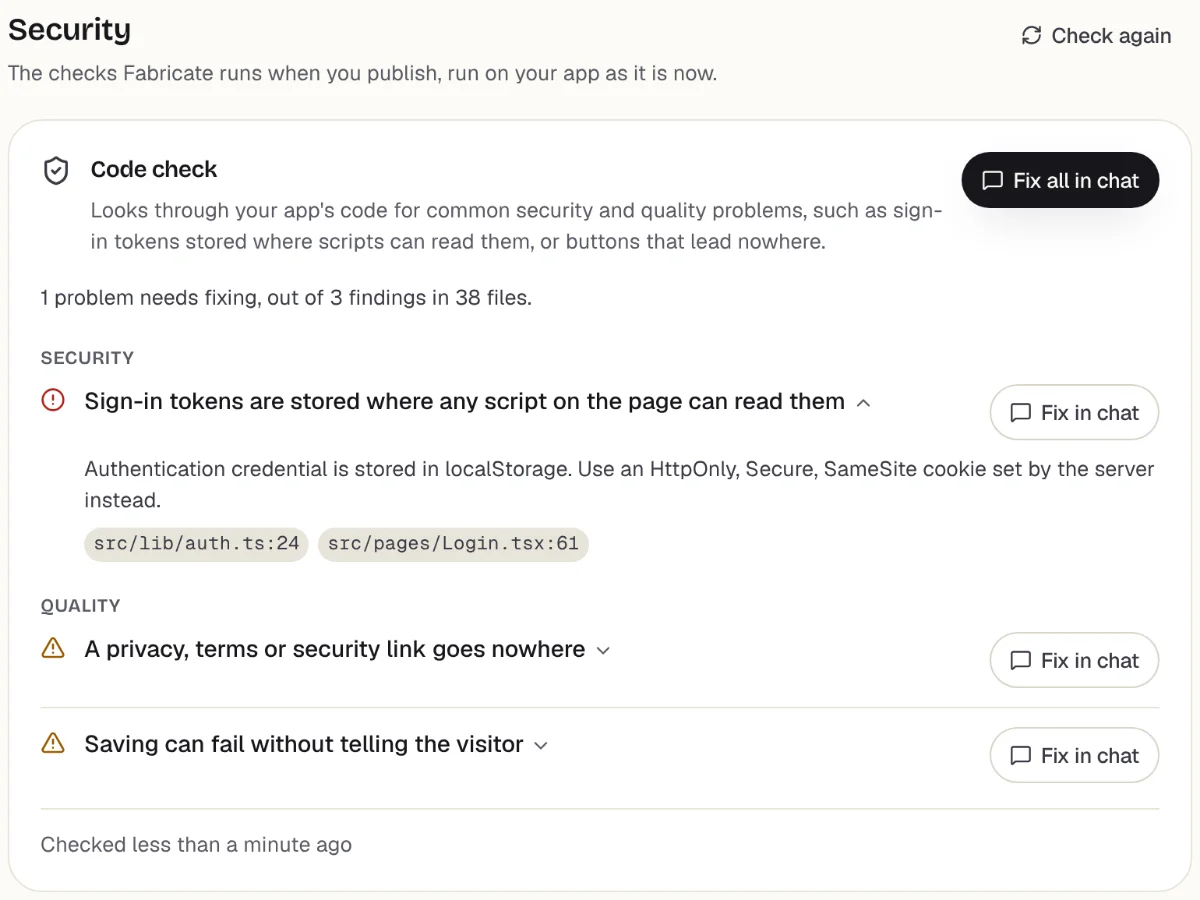
Checks before you publish
What it does well
- Lessons, quizzes and progress
- No share of your sales
- Built around how you teach
- Paid plans from
- $25 a month
- 350 credits a month on Pro
- Free plan
- 60 credits
- A month, to build and preview
- A live app
- Pro and Max
- Publishing is on paid plans
How to Move from Thinkific to Fabricate
- 1
List your course
Write down each module and lesson on Thinkific, with its text, its video link and any quiz.
- 2
Keep your videos where they are
Put each lesson video on YouTube or Vimeo, with the privacy setting you want, and keep its link.
- 3
Describe the course to Fabricate
Describe the lessons, the quizzes, how students pay and what they see when they finish.
- 4
Take it as a test student
Sign up, buy the course with a Stripe test card, finish a lesson and take a quiz in the preview.
- 5
Put it online
On Pro, one press of Publish gives it its own address to share, after the same browser check.
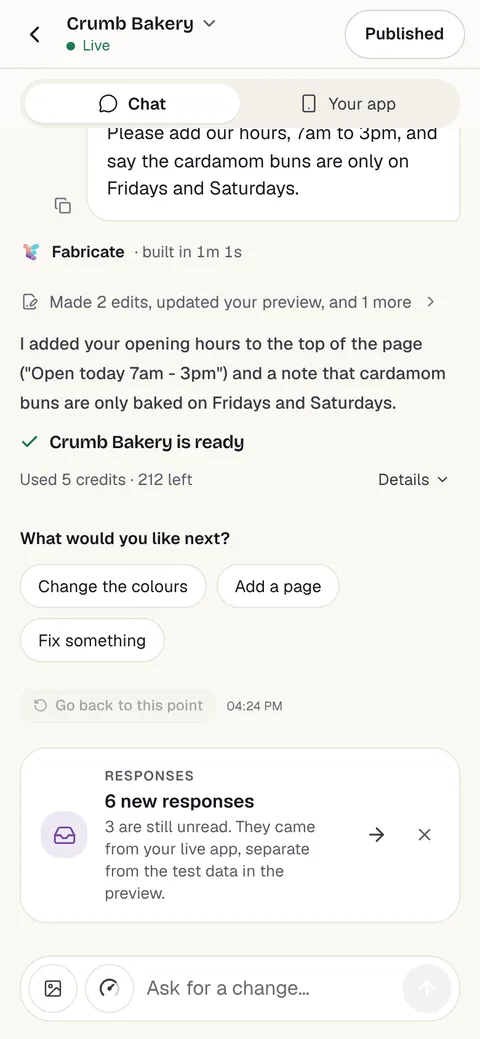
Chat
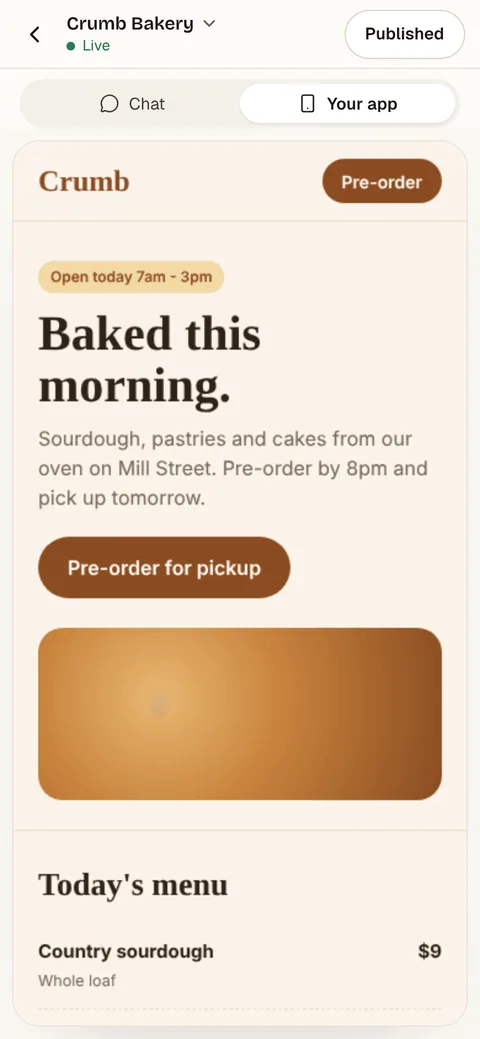
Your app
The other Thinkific alternatives
What each one does well, and the kind of project it suits best.
- Number 2
Teachable
Best for: A first paid course
Sells courses and other digital products. Starter is $39 a month billed monthly, or $29 billed yearly, for 5 products with a 7.5% transaction fee; Builder, at $89, has no fee through Teachable Payments.
- From $39 a month
- Courses and digital products
- A 7-day free trial
Where Teachable beats Fabricate
If you want course pages, checkout and student accounts ready the day you sign up, Teachable starts at $39 a month.
From $39 a monthTeachable alternativesSource: teachable.com/pricing (opens in a new tab), checked
- Number 3
Kajabi
Best for: Creators who want everything in one plan
Courses, a website, email contacts and a community in one plan, with no revenue sharing. Basic is $179 a month billed monthly, or $143 billed yearly, for 5 products and 2,500 contacts.
- Website, email and community in one
- No revenue sharing
- 5 products on Basic
Where Kajabi beats Fabricate
If you want your website, email list, community and courses from one company, Kajabi puts them in one plan.
From $179 a monthSource: kajabi.com/pricing (opens in a new tab), checked
- Number 4
Podia
Best for: A few courses and downloads
Courses and digital products with email subscribers built in. Mover is $49 a month billed monthly, or $42 billed yearly, with a 5% transaction fee; Shaker, at $99, has no Podia fees.
- From $49 a month
- Email subscribers built in
- A 14-day free trial
Where Podia beats Fabricate
If you sell a few courses and downloads and want the email list in the same place, Podia starts at $49 a month.
From $49 a monthSource: podia.com/pricing (opens in a new tab), checked
- Number 5
LearnWorlds
Best for: The lowest start for a course site
An online school for your courses. Starter is $29 a month billed monthly, or $24 billed yearly, with a $5 fee for each paid enrollment; Pro Trainer, at $99, has no enrollment fee.
- From $29 a month
- No enrollment fee from Pro Trainer
- A 30-day free trial
Where LearnWorlds beats Fabricate
The lowest starting price here for a ready-made course site, at $29 a month, if a $5 fee on each paid enrollment suits your sales.
From $29 a monthSource: learnworlds.com/pricing (opens in a new tab), checked
Thinkific and its alternatives: monthly price, fees and who owns the course
Thinkific sells courses on your own site, with course pages, checkout and student accounts ready to use. There is no free plan: after a 30-day trial, Start is $109 a month billed monthly, or $82 billed yearly.
For one course, that is a lot. Teachable's Starter is $39 a month billed monthly but takes a 7.5% transaction fee; LearnWorlds' Starter is $29 with a $5 fee for each paid enrollment; Podia's Mover is $49 with a 5% fee. Kajabi costs more, from $179, and puts a website, email and a community in the same plan.
Each platform shapes a course to its own pages. That is the point of a ready-made platform, and it is fine for most courses; it is a limit when a course needs its own flow, such as lessons that open week by week or homework you review.
A course platform built with Fabricate is your own web app: student sign-in, modules and lessons, quizzes with a pass mark, progress, and a teacher view. On Pro and Max, the app can take card payments through Stripe Checkout, paid into your own Stripe account, which you connect under More > Payments. Fabricate takes no share of what you are paid; Stripe charges its own card fees. Fabricate does not host video, so lessons show videos from YouTube or Vimeo, and emails to students beyond confirming their address and resetting a password are not built in.
Frequently asked questions
- Is Thinkific free?
- No. There is a 30-day free trial; after it, Start is $109 a month billed monthly, or $82 billed yearly, and Grow is $219.
- What is the cheapest Thinkific alternative?
- Among ready-made course platforms here, LearnWorlds' Starter, at $29 a month billed monthly with a $5 fee for each paid enrollment, and Teachable's Starter, at $39 with a 7.5% transaction fee. Fabricate, which we make, builds a course platform from a description. Building and previewing are free; publishing is on Pro and Max.
- Can I host videos with Fabricate?
- Fabricate does not host video files. Each lesson can show a video you host on YouTube or Vimeo, and anyone who has that video's own link can watch it, so use the video site's privacy settings for anything you sell.
- Can I sell my course with Fabricate?
- On Pro and Max, the app can take card payments through Stripe Checkout, paid into your own Stripe account, which you connect under More > Payments. Ask for a one-off price or a monthly plan, and the platform opens the course once Stripe confirms the payment. Fabricate takes no share of what you are paid; Stripe charges its own card fees.
- Can I move my course from Thinkific to Fabricate?
- Not as a file, but you can rebuild it: describe your modules and lessons, keep your videos on YouTube or Vimeo, and paste in your lesson text. Students sign up again on the new platform; Fabricate does not move their accounts or their progress.
Sources
The pages this guide quotes, each with the day it was read.
- thinkific.com/pricing (opens in a new tab), checked
- teachable.com/pricing (opens in a new tab), checked
- kajabi.com/pricing (opens in a new tab), checked
- podia.com/pricing (opens in a new tab), checked
- learnworlds.com/pricing (opens in a new tab), checked
- fabricate.build/pricing, from our live plans
About this guide
Written by the Fabricate team. Fabricate is our product, so it is first on this page and marked "We make this". Where a reason to switch fits another tool better, the reason says which.
Each tool's card lists the pages we read about it and the day we read them. We compared the tools from their own pricing pages and documentation, not by signing up for them. Spotted something out of date? Write to info@fabricate.build.
Related guides
All alternatives- Build an Online Course PlatformStudent sign-in, lessons, quizzes and progress tracking.Build it
- Teachable AlternativesFive course platforms compared with Teachable on fees and price.Alternatives
- Build a Membership SiteMembers-only pages with paid plans through your own Stripe.Build it
- Build a Coaching WebsiteProgrammes, session requests and a client area for coaches.Build it
Related pages
Teachable Alternatives
Five Teachable alternatives compared on monthly price, transaction fees and product limits, from each tool's own pricing...
Read moreAll AI App Builder Alternatives
Compare every alternative we have reviewed, side by side.
Read moreAI App Builder
Describe your app and get a frontend, database, logins and a live URL in minutes.
Read more