Build a crypto website for your Web3 project
You can build a crypto website without writing code: describe your project, its token or protocol and the people it is for, and Fabricate builds a working site with what it does, the roadmap, the team, a whitepaper page, live prices from a public price source and a sign-up form for your community, in a look made for your project rather than a template.
Fabricate builds the website, not the contract: connecting wallets, smart contracts and payments in crypto are not built in. Try it in the preview first, then ask for changes in the same chat.
- Free plan: 60 credits a month
- No card needed
- Live link included
From one message to a crypto website
Then try it yourself and ask for changes in the same chat until it fits.
You write: A website for our open-source payments protocol. The home page says what it does in one line and how it works in three steps. There is a roadmap with dates, the team with photos and links, a whitepaper page with a contents list, answers to common questions, and a form to sign up for updates with name and email. Use a dark look with one bright accent colour. Make it easy to use on a phone.
 Fabricate
I built your protocol website: a one-line headline, how it works in three steps, a roadmap with dates, the team, a whitepaper page with a contents list, answers to common questions and an updates sign-up form, in a dark look with one bright accent. Send a test sign-up in the preview.
Then ask for changes, such as
- Add live prices
- Add a news page
- Add a docs section
A whole new app usually takes about 20 to 35 credits.
Signal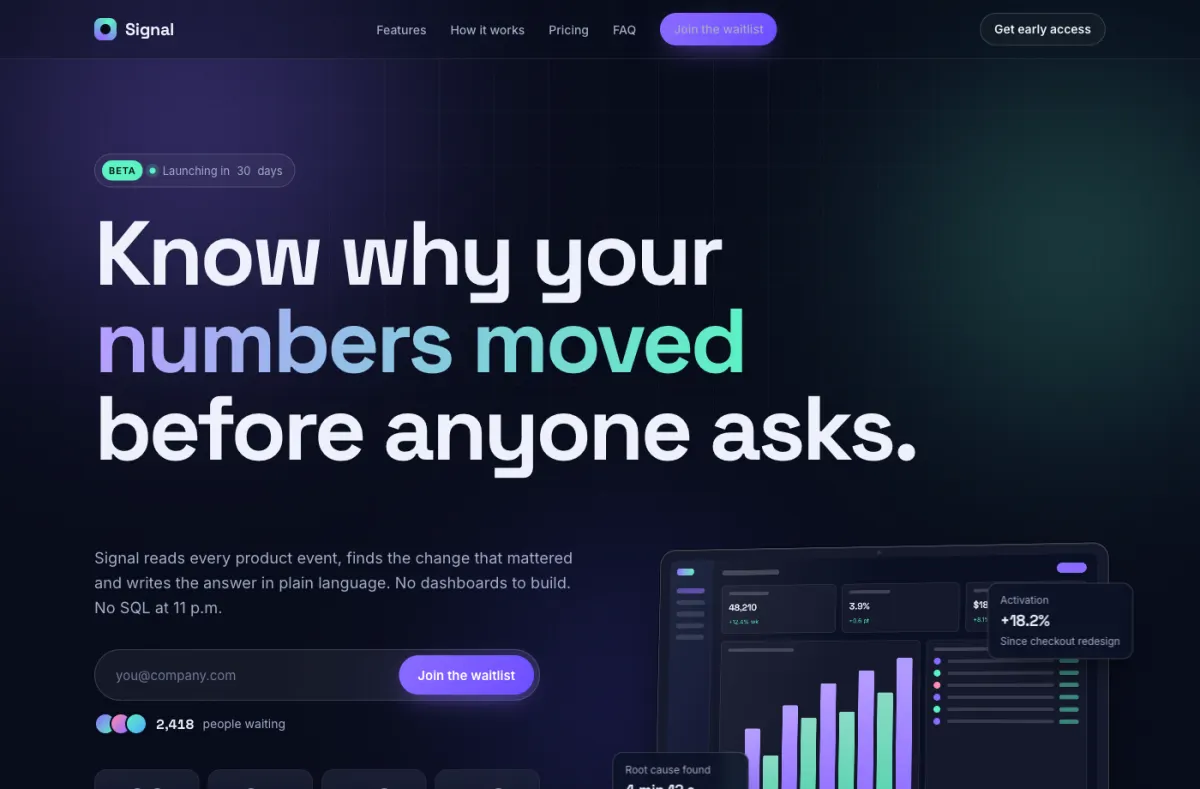
Who builds a crypto website
Token and protocol teams
What the project does, the roadmap and the team, in plain words.
Web3 and blockchain startups
A launch page, docs and a waitlist before the product is live.
Crypto communities and DAOs
News, discussion and polls for the people who take part.
Crypto writers and analysts
Articles, market notes and price charts on your own site.
What your crypto website comes with
Project pages
What it does, how it works, the roadmap, the team and the partners.
Live prices
Prices and charts from a free public price source, with the time they were last updated.
A whitepaper page
Your whitepaper as a page with a contents list, written by you.
Community sign-up
A form for updates or early access, with each sign-up under Responses.
A member area
Members sign in with an email and a password to read updates and vote in polls.
Your own look
Dark or bright, minimal or bold, described in your words.
In short
- A crypto website with project pages, a roadmap, the team, a whitepaper page, live prices and a sign-up form can be built from a plain-English description
- Live prices come from a free public source, or a provider whose key you add under More > Secrets
- Wallet connections, smart contracts and payments in crypto are not built in
What goes into a crypto website built with Fabricate
A crypto project lives on trust: people want to know what it does, who is behind it and what happens next, in plain words. Crypto website templates tend to look alike, with the same gradients and the same sections. A crypto website built with Fabricate starts from your description of the project and the people it is for.
The project: what it does and how it works, a roadmap with dates, the team, partners and a whitepaper page with a contents list. Ask for docs, a news page, a page of answers to common questions, or a member area where people sign in to read updates and vote in polls.
Live data: prices and charts from a free public price source, with the time they were last updated, or from a paid provider whose key you add under More > Secrets; the published app reads the key, and the preview shows labelled sample data.
What is not built in: connecting wallets, smart contracts, minting, token sales and payments in crypto. Fabricate builds the website, not the contract, and it does not check what the site says against the rules where you operate.
Crypto websites you can start from
Choose one and the builder opens with its description filled in. Change any word before you build.
- Project siteWhat it does, the roadmap, the team and a sign-up.
- Price trackerLive prices and charts from a public source.
- Community hubNews, discussion and polls for your community.
- Launch waitlistA countdown, three reasons and a waitlist.
Or start from a template
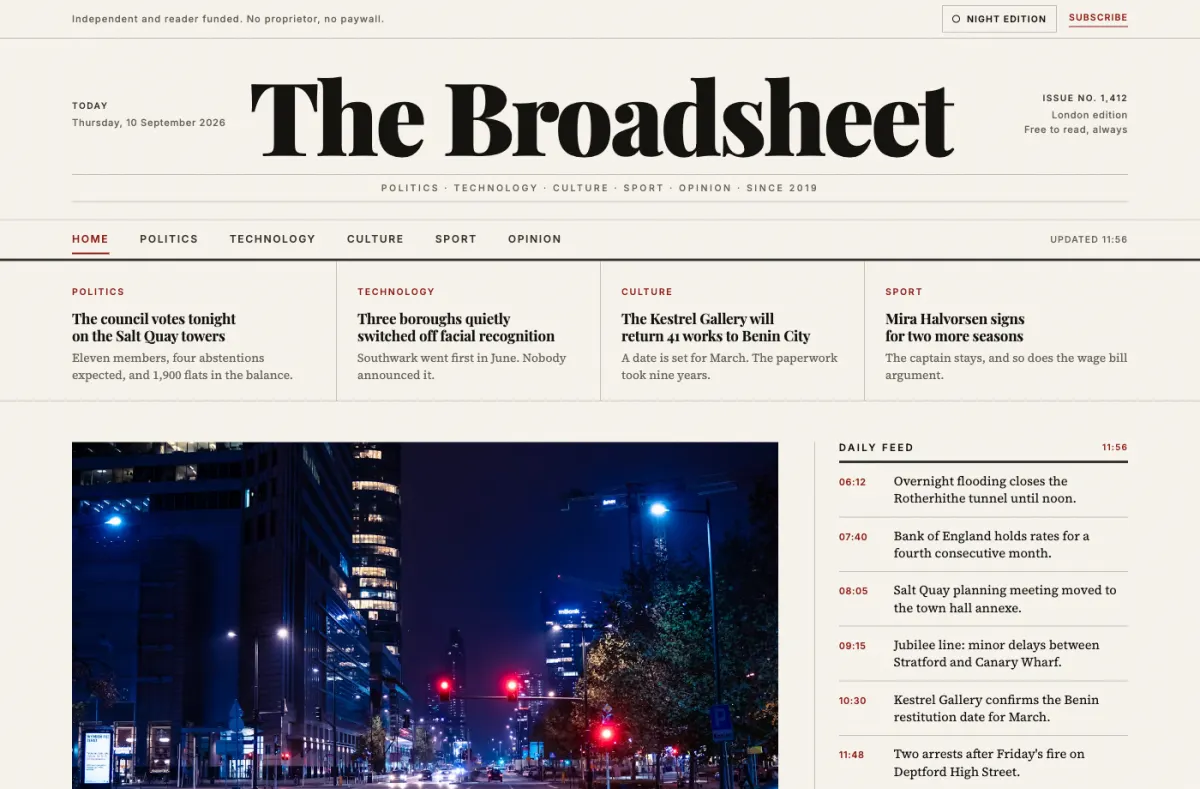
Broadsheet
A publication front page with a masthead, headlines by section and a daily feed, ready to change into your own crypto news site.
How to build a crypto website
Four steps, all in one chat.
- 1Describe your project
What it does, who it is for and what comes next.
- 2Read every claim
Check each page against the rules where you operate, then send a test sign-up.
- 3Ask for changes
Add a page, a field or a colour by asking in the same chat.
- 4Publish it
The live app starts with a fresh database, so your test entries stay behind.
Chat

Your app

Once it is live
Every sign-up lands in one place
Once your app is published, every sign-up the visitor sends through it is kept under Responses in Fabricate, and you get an email for each one, up to a daily limit. You can download them all as a CSV file.
On Pro and Max, you can also turn on a confirmation email to the visitor, again up to a daily limit.
Fabricate does not send text messages.
Updates sign-up
- Name
- Alex Kim
- Interested in
- Building on the protocol
- Country
- Canada
- alex.kim@example.com
- Email to youFor each new sign-up, up to a daily limit.
- Confirmation to the visitorOn Pro and Max, once you turn it on.
- Free60 credits a monthBuild, preview and publish. No card needed.
- A new app20 to 35 creditsA small change is about 3 to 10 credits.
- Pro350 credits a monthA live link and your own domain. Prices are on the pricing page.
Questions about crypto websites
- Can I build a crypto website without coding?
- Yes. Describe your project, the people it is for and what comes next, and Fabricate builds the crypto website and shows it working in a preview. To change something, you ask in the chat. There is no code to write or read.
- Can it show live crypto prices?
- Yes. Ask for live prices and Fabricate fetches them from a free public price source that needs no key, and shows when they were last updated. For a paid market data provider, add its key under More > Secrets: the published app reads it, and the preview shows labelled sample data.
- Can people connect a wallet?
- Not built in. Fabricate builds the website, not the contract: connecting a wallet, minting, smart contracts and token sales are not part of what it builds. Link to the app or exchange where people do that.
- Can I accept crypto payments?
- Not in crypto. On Pro and Max, the app can take card payments through Stripe Checkout, paid into your own Stripe account, which you connect under More > Payments.
- Can I build a Web3 or blockchain website?
- Yes, in the same way: a site that explains a Web3 or blockchain project, with docs, the roadmap and live data from public sources. What runs on the chain itself, such as contracts, wallets and tokens, is built elsewhere.
- Does Fabricate check what the site says?
- No. Fabricate writes from your description, does not give financial advice and does not check claims about a token or its returns against the rules where you operate, so read every word before you publish.
- Will it show up on Google?
- Publishing puts it on the web, where search engines and AI assistants look. Under More > SEO & AI search you can see what they read on your live site and change its title and description. Nobody can promise a place in search results.
- What does it cost?
- You can start on Free, which includes 60 credits a month and needs no card. A whole new app usually takes about 20 to 35 credits and a small change about 3 to 10 credits. Current plans are on the pricing page.
Keep reading
Every Build page- Build an AI Startup WebsiteA launch page, a working demo and a waitlist.Build it
- Build a Waitlist PageA launch page that collects sign-ups before you open.Build it
- Build a Documentation SiteDocs with a sidebar, search and a page for every topic.Build it
- Build an Online CommunityForums, member profiles and events for your members.Build it
- Build a Fintech AppCalculators, dashboards and client portals for finance.Build it
- Security and SEO ChecksSee what search engines read on your live site.Feature
Start your crypto website
Describe your project in plain words. Check every claim, then share the link.
Build free. No card needed.
Related pages
Create a job board website
Describe your jobs and Fabricate builds a job board website: job posts, search, applications and an employer sign-in. Fr...
Read moreBuild an AI startup website
Describe your AI product and Fabricate builds an AI startup website: a launch page, pricing, docs and a waitlist. Free t...
Read moreBuild a custom CRM without code
Describe how you sell and Fabricate builds a custom CRM: contacts, companies, a deal pipeline, follow-ups and team sign-...
Read moreBuild a booking app without code
Describe your services and hours and Fabricate builds a booking app: clients pick a free time, you manage every booking....
Read moreEverything You Can Build
Explore use cases, from MVPs to marketplaces.
Read moreAI App Builder
Describe your app and get a frontend, database, logins and a live URL in minutes.
Read more